Plan to Render
From plan to 3D volume with AI
Give it a site plan, a sketch or a scribble: Nabst Studio interprets it into a coherent 3D massing model so you can picture a scheme in seconds.
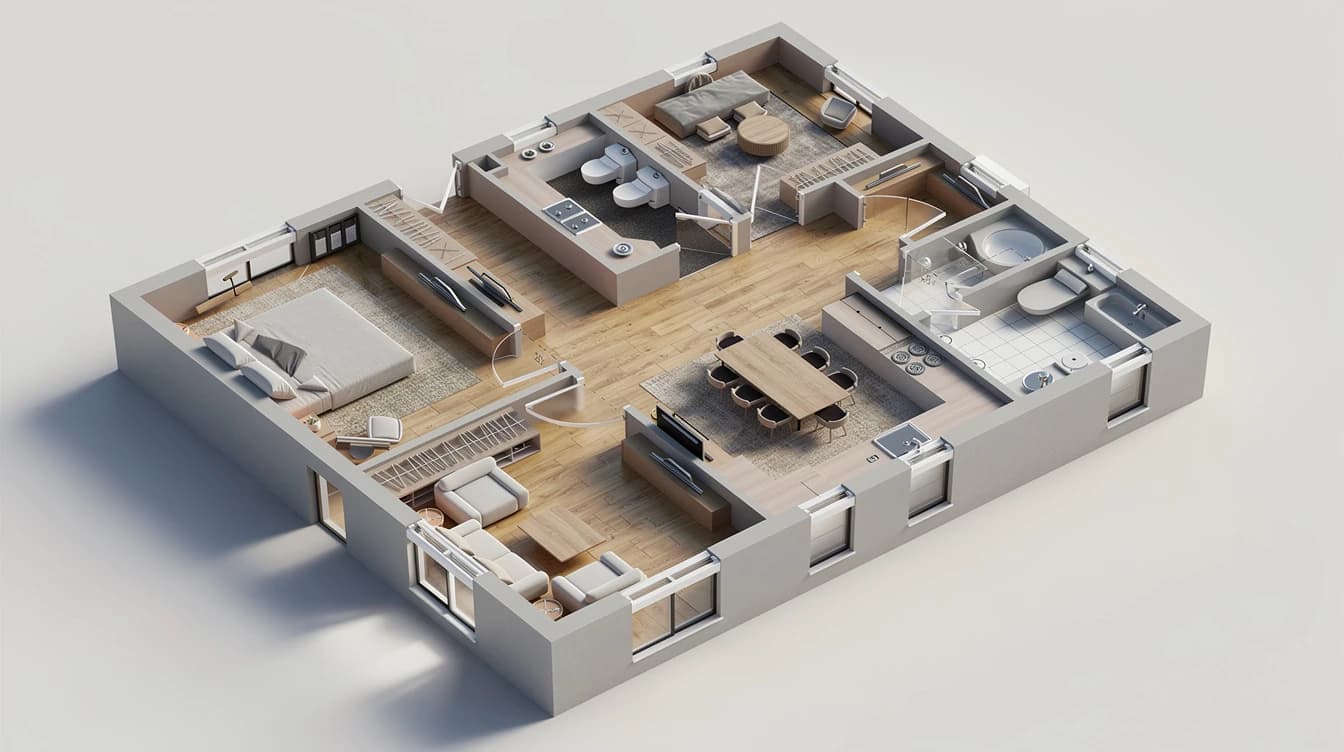
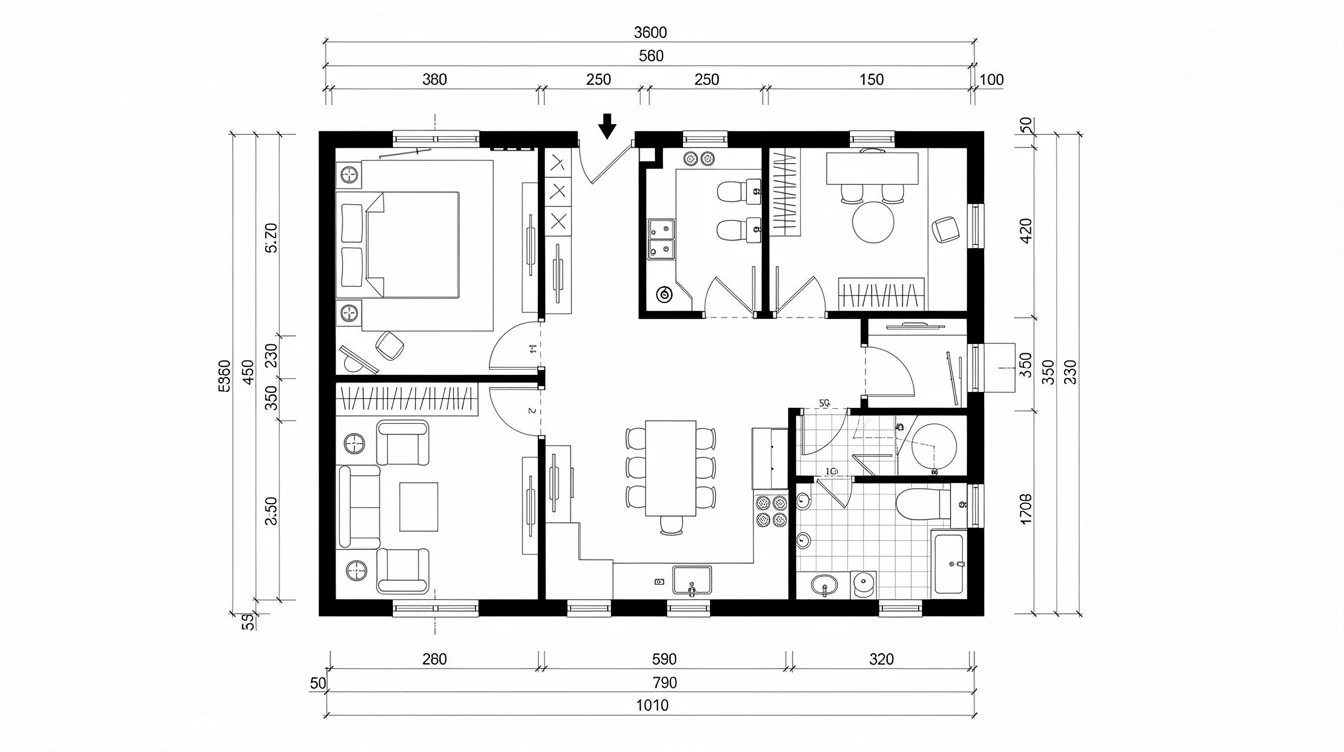
What Plan to Render does
Plan to Render reads your 2D drawing as a footprint and extrudes it into a three-dimensional architectural volume — without copying the flat plan. Pick the viewpoint and finish to explore a scheme.
- Go from a 2D plan to a 3D volume in seconds
- Choose an aerial/axonometric view or a ground-level perspective
- Pick a white massing model or a materialized render
- Explore several schemes from a single drawing
How it works
01
Upload the plan
Site plan, sketch or scribble: a single image is enough.
02
Set the output
Viewpoint, finish and intent in a few words.
03
Generate the volume
Get a coherent 3D model, ready to present.
Who it's for
Architects
Picture a massing scheme right from the sketch stage.
Students
Turn a drawn plan into a 3D model for your reviews.
Developers
Give a site plan volume for an early presentation.
Frequently asked questions
The tool respects the footprint and proportions of the plan but invents the 3D volume: it's an interpretation, not an exact survey.